


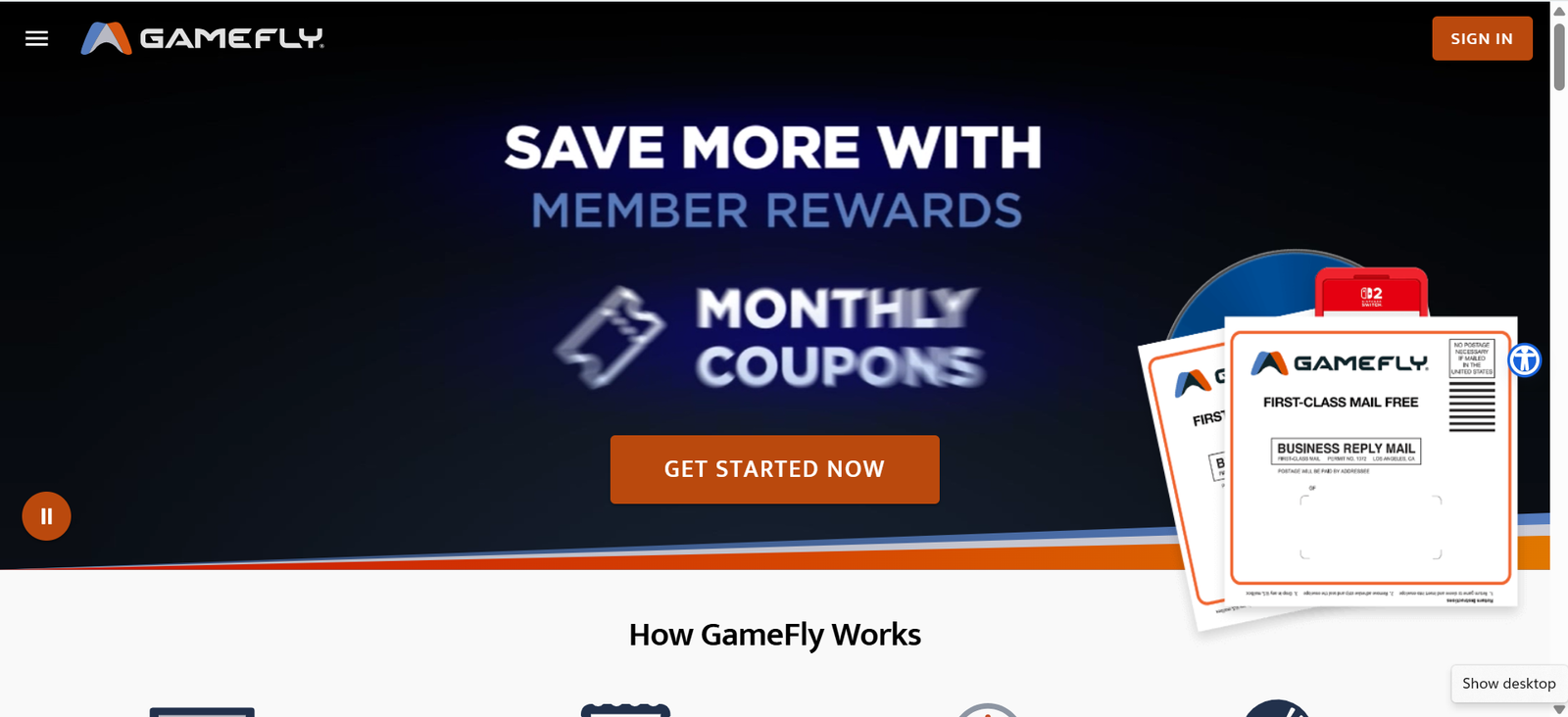
Finding new video games to play can become expensive, especially when major releases can cost a significant amount. If you enjoy trying different games but do not want to purchase every title at full retail price, GameFly offers another option.
GameFly is an online video game and movie rental service that allows members to rent physical games and movies and have them delivered by mail. Members can also purchase games they enjoy through GameFly’s “KEEP” option, while the GameFly store offers new and used games, consoles, controllers, collectibles, and other gaming products.
But is GameFly actually worth using in 2026?
In this detailed GameFly review, we’ll explain how GameFly works, its membership system, GameFly rentals, GameLock, the free trial, buying games, member rewards, shipping, and the advantages and limitations you should understand before signing up.
What Is GameFly?
GameFly is a subscription-based video game and movie rental service that has been operating since 2002.
The basic idea is simple: instead of purchasing every game you want to play, you can add games to your GameFly queue and have physical copies shipped to your home.
GameFly currently supports games for major platforms including PlayStation, Xbox, Nintendo Switch, and Switch 2, along with older titles. The service also offers movie rentals, including 4K UHD, Blu-ray, and DVD titles.
One of the biggest differences between GameFly and traditional game stores is that you can rent a game, play it for as long as you want, and then return it when you’re ready for something else.
There are also no traditional late fees for keeping a rental longer than expected.
How Does GameFly Work?
GameFly’s rental system revolves around something called your Q, or queue.
Your Q is essentially your personal list of games and movies that you want to rent.
You can add multiple titles and arrange them according to your preferences. GameFly attempts to send the highest-priority available title in your queue.
For example, imagine your queue looks like this:
- New PS5 release
- Sports game
- Action-adventure game
- Racing game
- Nintendo Switch game
If your first choice is available, GameFly attempts to send it. If it isn’t available, the service can move down your list and match you with another title. GameFly recommends keeping at least five currently released titles in your queue to improve the chances of receiving another game without unnecessary delays.
When you’re finished playing, you return the disc using the reusable mailer provided by GameFly. The company then processes your return and ships another available title from your queue.
GameFly 30-Day Free Trial
One of the most attractive features for new customers is the 30-day free trial.
According to GameFly, the free trial allows customers to try the 1-Game Plan for 30 days. A valid credit or debit card is required during registration.
The important thing to remember is that the free trial automatically converts into a paid membership when the trial period ends unless you cancel beforehand.
GameFly currently lists the 1-game subscription at $19.95 per month after the 30-day trial, before applicable taxes.
That means you should keep track of your trial expiration date if you don’t want to continue with the subscription.
Is the GameFly Free Trial Worth Trying?
For someone who regularly plays console games, a free trial can be a useful way to test how the rental system works.
You can see how quickly games arrive, how the queue operates, and whether renting physical games fits your gaming habits.
If you decide the service isn’t right for you, GameFly says you can cancel through your account settings. If you cancel while you have games or movies checked out, you should return them promptly to avoid additional charges.
GameFly Game Rentals
Game rentals are the core of GameFly’s service.
Instead of purchasing a game immediately, you can rent it and decide whether you actually want to keep it.
This can be particularly useful for gamers who like experimenting with different genres.
For example, you might want to try:
- Sports games
- Racing games
- RPGs
- Action games
- Adventure games
- Fighting games
- Family games
- Strategy games
- Indie games
GameFly’s catalog includes both newer releases and older games, depending on platform and availability.
The service currently lists large selections across platforms. For example, its Switch catalog includes more than 1,200 listed results in one current category, although inventory changes regularly.
Try Before You Buy
One feature that makes GameFly interesting is the ability to rent a game and later keep it.
If you rent a game and decide that you love it, GameFly can offer a KEEP purchase option.
The price depends on the specific game and its condition.
For example, GameFly product pages can show a rental option together with a KEEP price. Current listings demonstrate that KEEP prices can vary substantially from one game to another.
This gives gamers an opportunity to try a game before committing to buying it.
Instead of thinking:
“Should I spend the full price on this game?”
You can potentially rent it first and make your purchase decision after playing it.
GameFly GameLock
Another feature worth knowing about is GameLock.
GameLock is designed for gamers who want to receive certain upcoming new releases.
According to GameFly, Standard plans can lock a new release up to 30 days before its release date, while Elite plans can lock upcoming releases as little as seven days before release. GameFly says that when a title is GameLocked, it guarantees shipment on release day.
This can be useful if you’re particularly interested in a new game and want to reserve it ahead of launch.
Instead of waiting for the game to become available in the regular queue, GameLock gives eligible members a way to reserve a qualifying upcoming release.
GameFly Shipping
Because GameFly uses physical discs, shipping is an important part of the service.
GameFly says rentals are shipped through the United States Postal Service (USPS) using First-Class Mail.
The company states that USPS delivery is generally estimated at 2–8 business days within the U.S., although unexpected postal delays or holidays can sometimes extend delivery times. GameFly’s rental shipments come from its warehouse in Pittsburgh, Pennsylvania.
GameFly also provides reusable mailers for returning rentals.
This means the overall process is:
Choose a game → GameFly ships it → Play the game → Return it → GameFly ships your next available game.
For gamers who are comfortable with physical media, this can be a straightforward system.
Does GameFly Have Late Fees?
One of the features GameFly highlights is that there are no traditional late fees for keeping rentals.
You can play the game according to your own schedule rather than worrying about returning it by a specific rental-store deadline.
This can be especially useful if you are playing a large RPG or another game that takes many hours to complete.
However, “no late fees” doesn’t mean you should ignore the membership terms. If you cancel your membership while you still have rented games or movies, GameFly instructs customers to return those items promptly.
GameFly Store: Buy New and Used Games
GameFly is not only a rental service.
The GameFly store also sells gaming products, including:
- New video games
- Used video games
- PlayStation games
- Xbox games
- Nintendo Switch games
- Consoles
- Controllers
- Headsets
- Collectibles
- Arcade products
- Movies
- 4K UHD products
- Blu-ray products
The store includes categories for used games, bestsellers, new releases, pre-orders, and price drops.
GameFly also states that members receive free shipping on used games and additional member discounts and coupons.
This makes the platform more than just a game rental website.
GameFly Member Rewards
GameFly members can receive additional benefits through its rewards program.
According to GameFly, members can receive discounts on KEEP and used-game purchases, as well as free shipping.
The company also advertises monthly coupons of 5–10% off accessories and collectibles.
Active members can earn 5 GameFly Dollars every three months, and after six months, members can receive a 25% off KEEP coupon.
These benefits may be more useful to people who regularly rent games and eventually purchase games or gaming products.
What Gaming Platforms Does GameFly Support?
GameFly supports several major gaming platforms.
Depending on current inventory, you can find games for:
PlayStation
GameFly offers games for PlayStation 5 and PlayStation 4, including new releases and older titles.
Xbox
The service offers games for Xbox Series X and other supported Xbox platforms.
Nintendo
Nintendo gamers can find titles for Nintendo Switch and Switch 2, along with older supported games.
Because inventory changes constantly, it is a good idea to search GameFly directly for the specific title and platform you want before signing up.
GameFly vs Buying Every Game
For gamers who buy every game they want, the cost can add up quickly.
Imagine you want to play several new releases during the year. Buying each one individually means paying the full purchase price, even if you eventually stop playing some of them.
GameFly offers a different approach.
You can rent a game, play it, return it, and move on to another title.
If you discover that you really like a game, you can potentially use the KEEP option to purchase it.
This model may be especially appealing to gamers who:
- Play many different games
- Like trying new releases
- Don’t want to purchase every game
- Prefer physical copies
- Want the option to buy games later
- Enjoy collecting physical games
Who Is GameFly Best For?
GameFly may be particularly interesting for gamers who play console games regularly and enjoy physical media.
Gamers Who Play Multiple Games
If you regularly move between different games, a rental subscription gives you another way to access a broader selection.
Gamers Who Prefer Physical Copies
GameFly is based around physical discs, so it may appeal to people who prefer owning or renting physical media rather than downloading everything digitally.
Gamers Who Want to Try Before Buying
The rent-then-KEEP model gives you an opportunity to experience a game before deciding whether you want to purchase it.
Gamers Who Play Long Games
Because GameFly doesn’t charge traditional late fees, players can take their time with longer games.
Who Might Not Need GameFly?
GameFly isn’t necessarily suitable for every gamer.
If you only play one or two games throughout the year, purchasing those games directly may make more sense than maintaining a rental membership.
Likewise, if you exclusively play digital games and don’t use physical discs, a disc-based rental service may not fit your gaming setup.
Availability and shipping times can also matter because GameFly relies on physical delivery rather than instant digital downloads.
GameFly Pros and Cons
Pros
- 30-day free trial for new members
- Large selection of console games
- Rent games instead of buying immediately
- No traditional late fees
- Option to KEEP games you enjoy
- GameLock for eligible upcoming releases
- New and used games available for purchase
- Member rewards and discounts
- Free shipping benefits for members
- Supports multiple major console platforms
Cons
- Games are delivered physically rather than instantly
- Shipping takes time
- Popular titles may have availability limitations
- Requires a valid credit or debit card for membership
- The free trial automatically converts to a paid subscription unless canceled
- Physical-disc rentals may not appeal to gamers who prefer digital downloads
Is GameFly Worth It in 2026?
Whether GameFly is worth it depends largely on how you play games.
For someone who regularly plays console games and wants to try multiple titles, the rental model can provide an alternative to purchasing every game individually.
The 30-day free trial also gives new customers an opportunity to test the service before committing to the monthly membership. GameFly currently states that the 1-Game Plan converts to a $19.95 monthly subscription after the trial.
On the other hand, gamers who prefer digital downloads or rarely play new games may find less value in a physical rental service.
The best way to evaluate GameFly for yourself is to look at the games you actually want to play and compare the rental experience with your usual purchasing habits.
How to Get Started With GameFly
Getting started is straightforward.
Step 1: Visit GameFly
Go to the official GameFly website and browse the available games.
Step 2: Choose Your Membership
Review the available membership options and select the plan that fits your gaming habits.
Step 3: Build Your Q
Add several games to your queue and put the titles you want most at the top.
Step 4: Receive Your Game
GameFly will match available titles in your queue and ship them to you.
Step 5: Play
Keep the game and play it at your own pace.
Step 6: Return or KEEP
When you’re finished, return the game using the provided mailer. If you decide you want to own it, check whether a KEEP option is available.
Frequently Asked Questions About GameFly
Is GameFly still available in 2026?
Yes. GameFly’s official website is currently operating and continues to offer video game and movie rentals, along with games and other gaming products for sale.
Does GameFly have a free trial?
Yes. GameFly currently advertises a 30-day free trial for its 1-Game Plan. After the trial, the membership converts to a paid subscription unless you cancel.
How much does GameFly cost?
GameFly currently lists the 1-Game Plan at $19.95 per month after the 30-day free trial, before applicable taxes. Plan availability and pricing can change, so check the official website before subscribing.
Does GameFly have late fees?
GameFly says there are no late fees for keeping rentals.
Can you buy games from GameFly?
Yes. GameFly sells both new and used games, as well as consoles, controllers, collectibles, and other products.
Can you keep a game after renting it?
Yes. Many GameFly titles have a KEEP option, allowing members to purchase a rented game if they decide they want to own it.
Does GameFly ship games?
Yes. GameFly ships physical rentals through USPS. The company says U.S. delivery is generally estimated at 2–8 business days.
What is GameLock?
GameLock is GameFly’s new-release reservation system. GameFly says Standard plans can reserve qualifying releases up to 30 days before launch, while Elite plans can do so within seven days of release.
Final Verdict: Should You Try GameFly?
GameFly provides a different approach to console gaming by combining game rentals with the ability to purchase games, access member rewards, and reserve selected upcoming releases.
Its biggest appeal is flexibility: you can rent a game, play it, return it, and move on to something else. If you love the game, you may have the option to KEEP it.
The service is particularly relevant for gamers who play multiple console titles and prefer physical games. Meanwhile, gamers who primarily use digital downloads may prefer other gaming options.
If you’re curious about the service, the 30-day free trial provides an opportunity to experience the rental system before paying for a monthly membership. Just remember that the trial converts to a paid subscription if you don’t cancel before it ends.
Ready to explore GameFly?
👉 Check out GameFly’s current games, rentals, membership options, and gaming deals here:
Visit GameFly
[…] Depending on your circumstances, healthcare professionals may discuss: […]